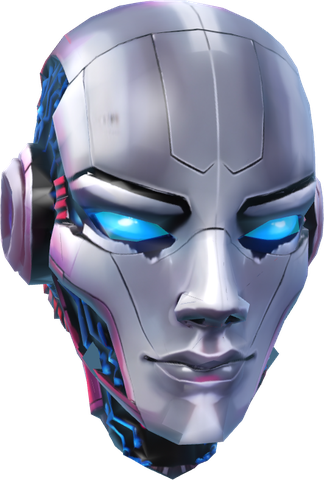
Zoey
Your private AI companion for the Windows desktop
v1.1 · Windows 10/11 (64-bit)
Features
🧠Local AI brainRuns a Qwen3 language model on your own PC — no account, no subscription. Pick Fast (1.7B), Smart (4B) or Smarter (8B).
🎙Just say “Zoey”Hands-free wake word and on-device speech recognition. Or click her and type.
🗣Talks backSpeaks replies aloud with a lip-synced 3D face. Choose any installed Windows voice.
🌐Web researchSearches the web and reads pages for news, sports, prices and anything current.
⛅WeatherCurrent conditions and a 3-day forecast for your town or anywhere you ask.
⏰Timers & reminders“Remind me in 20 minutes to check the oven.”
📝Remembers youKeeps facts you tell her — your name, your town, what you like — across sessions.
👀Knows facesOptional camera mode greets people by name. Faces stay on your PC; frames are never saved.
⚡Uses your GPUAutomatically accelerates on graphics cards with 3 GB+ VRAM, with faster speech on NVIDIA.
🖱Lives on your desktopDrag her anywhere, keep her on top, start with Windows, or tuck her into the tray.
Requirements: Windows 10 or 11 (64-bit) · 8 GB RAM (16 GB for the 8B brain) ·
~3 GB free disk · microphone for voice · optional webcam · optional GPU
First run: Zoey downloads her AI engine and brain (about 2.5 GB) into
%LOCALAPPDATA%\Zoey. NVIDIA owners also get a faster speech engine (~685 MB) fetched quietly in
the background. If a download is interrupted, right-click Zoey and choose Retry download.
SmartScreen: the app isn’t code-signed yet. If Windows warns you, click More info → Run anyway.
SmartScreen: the app isn’t code-signed yet. If Windows warns you, click More info → Run anyway.